


You've built something real at the farmers market. Regular customers who look for your table every week. Products people ask about between market days. A rhythm that works.
The short version: Add online sales by starting with market pickup pre-orders for your two or three best-selling products. Convert existing farmers market customers using a QR code at your booth, a social media post, and direct messages to your regulars. Use a ordering page to list products, collect payment upfront, and manage pickup — then expand to more products and mid-week pickup once the system runs smoothly.
But there are real limits to what in-person selling alone can do. You can only reach people who physically show up on market day. You lose sales when a regular misses a week, when bad weather cancels the market, or when you sell out before the late arrivals get there. Your income depends entirely on foot traffic during a few hours on a single day, and there's no way to capture the demand that exists between markets.
Adding online sales doesn't mean abandoning the farmers market or overhauling your whole operation. It means layering in a way for customers to buy from you more often — and for new customers to find you between market days. Most vendors who add online sales keep their market presence exactly the same and treat the online channel as additional revenue on top of what they're already doing.
This guide walks through how to make that transition without overcomplicating it: what to sell online, which approach to choose, how to convert your existing market customers, how to set up your storefront, and how to manage both channels without burning out.
Online sales solve five specific problems that every farmers market vendor faces: inability to hold products without payment, weather-dependent income, no sales between market days, limited growth without adding more markets, and dependence on a single sales channel. The most common reasons vendors go online aren't about growth for its own sake.
You can't hold product for people who ask. "Can you save me one next week?" is a question you hear at the market constantly. Online pre-orders answer this cleanly — customers reserve and pay in advance, you set aside what they ordered.
Weather and cancellations kill your income. A rained-out market day isn't just an inconvenience — it's lost revenue with no way to recover it. Online orders create a revenue floor that doesn't depend on perfect Saturday morning conditions.
Your regulars want to buy between market days. The customer who loves your jam, hot sauce, or sourdough would happily buy on a Tuesday if they could. Online ordering makes that possible without you standing behind a table all day.
You want to grow without adding more market days. Adding a second or third farmers market means more driving, more setup time, more early mornings. Adding an online channel from your existing location takes none of those things.
You reach customers who've never been to the market. Not everyone in your area goes to the farmers market. Some people work on Saturday mornings, some don't know the market exists. An online presence lets these potential customers find you and buy from you. Resources from the U.S. Chamber of Commerce small business guide offer more detail here.
You reduce dependence on a single sales channel. If your market changes management, raises vendor fees, or reduces hours, your entire business is affected. Online sales create a second revenue stream you control directly.
Shelf-stable products and pre-orders for perishable items with scheduled pickup translate best to online sales — very perishable produce that needs same-day handling and items customers strongly prefer to inspect in person are harder. The key difference is that online customers can't see, smell, or inspect the product before buying.
| Product Category | Online Suitability | Notes |
|---|---|---|
| Shelf-stable products (jam, honey, hot sauce, granola) | Excellent | Ship or transport easily, no refrigeration needed |
| Pre-orders for perishable items (bread, eggs, flowers) | Strong | Works well with scheduled pickup at market or designated location |
| Subscriptions (weekly produce boxes, flower bundles, egg subscriptions) | Strong | Creates predictable revenue, simplifies production planning |
| Gift sets and seasonal bundles | Strong | Photograph well, easy to order as gifts |
| Very perishable produce (same-day handling) | Difficult | Requires reliable same-day pickup system |
| Items customers prefer to inspect (specialty fruits, certain cuts of meat) | Difficult | Appearance matters — hard to convey through a screen |
Start narrow and expand. Launch online with your two or three most shelf-stable or pre-orderable products first. Get a few successful orders under your belt, work out any logistics issues, and then gradually add more products. Trying to list your entire market inventory online at once usually leads to overselling, confusion, and logistical headaches.
Market pickup pre-orders are the lowest-friction starting point for most vendors because they fit directly into your existing farmers market routine — you're already going to be there. Pick your approach before you set anything up.
Customers place and pay for orders online during the week, then pick them up at your market table on a specific market day. You show up knowing exactly how much you've already sold. Customers who might have missed you at market still get their products. You reduce waste because you're producing to confirmed demand.
For a full walkthrough of setting up pre-orders, see how to take pre-orders for your food business.
Some vendors add a non-market pickup day at their home, farm, or another convenient location, or offer route-based delivery within a defined service area. This works best if you have dense local demand within ten to fifteen miles.
Start simple with a single weekly pickup day and a small delivery radius before expanding.
Shelf-stable products like jam, honey, hot sauce, candles, and soap can be shipped to customers anywhere in the country. This opens a much larger audience but adds meaningful complexity — proper shipping packaging, postage costs, fulfillment time, and the occasional damaged product claim.
| Approach | Complexity | Best For | Revenue Potential |
|---|---|---|---|
| Market pickup pre-orders | Low | All vendors starting out | Moderate — adds to existing market sales |
| Non-market pickup days | Medium | Vendors with local demand | Moderate to high — opens new sales days |
| Local delivery | Medium-high | Dense local customer base | High — convenience drives repeat orders |
| Online shipping | High | Shelf-stable products with good margins | High — national reach |
Start with your existing customers — they already know your products, trust your quality, and would buy more often if it were easier. Converting market regulars to your online channel is dramatically simpler than finding brand new customers.
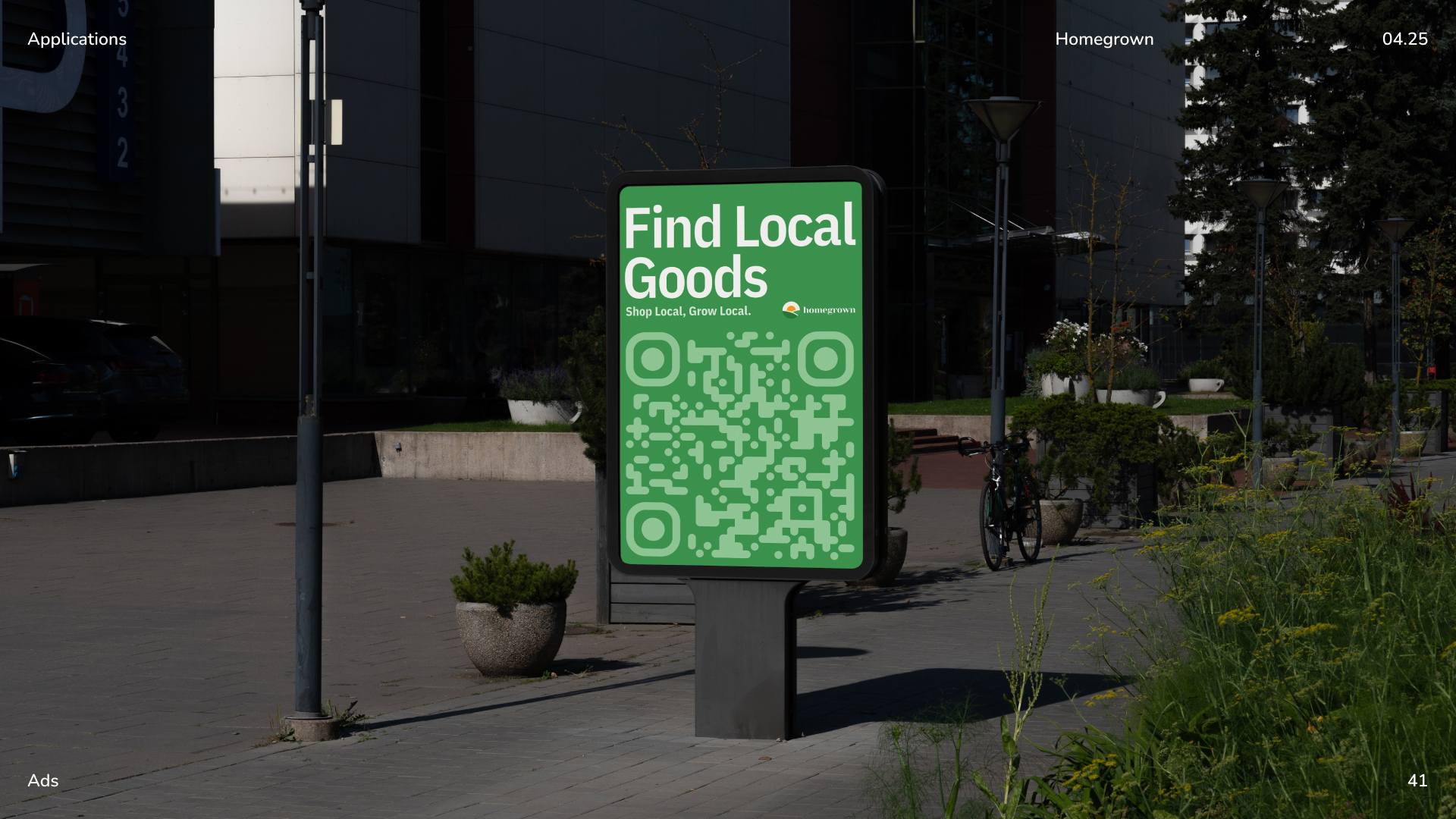
Put a sign at your booth. A simple sign that says "Order online for next market day pickup" with a QR code converts passers-by and existing customers into online buyers without any conversation required. Print the QR code pointing to your ordering page and display it prominently at the front of your table.
Mention it casually during transactions. "You can also pre-order for pickup next week if you ever want to make sure I hold something for you" plants the seed without being pushy.
Collect contact information. A small sign that says "Text your email for pre-order reminders" or a simple clipboard signup at your booth lets you build a list. To build an email list from your market customers, you don't need fancy software — just a clipboard at your booth and a simple follow-up message letting people know when orders open each week.
Announce it on social media. If you have an Instagram or Facebook page for your market business, one post announcing online ordering reaches your entire following at once. Keep it simple: a photo of your best product, "Now taking online pre-orders for [market name] pickup," and a link. Resources from Google Business Profile offer more detail here.
Talk to your regulars directly. Your five or ten most loyal customers are the people most likely to place the first online orders. A quick text or message saying "Hey, I just set up online pre-orders, wanted to let you know you can now reserve ahead of market day" will likely generate your first sales within hours.
You need a way to list products, accept payment, and confirm orders — you don't need a full website. The right setup gives you product listings with photos, clear pickup scheduling, upfront payment collection, and order management that doesn't require tracking everything through text messages.
What to look for in your storefront setup:
Homegrown is $10/month with no percentage fees beyond standard payment processing and is built specifically for this — farmers market vendors adding online pre-orders. You list products with photos and order windows tied to your market days, customers pay upfront, and you get a consolidated pickup list to pack from. Compare that to Square Online (free tier but 2.9% + $0.30 per transaction plus monthly fees for features like order-ahead), Etsy (6.5% per transaction plus listing fees, designed for shipping not market pickup), or Shopify ($39/month minimum, built for full e-commerce stores). Homegrown doesn't build your website, manage your social media, or handle shipping — it replaces the DM-and-Venmo coordination with a structured ordering page that connects to local buyers already browsing for vendors in your area.
Write descriptions that do the selling. Online buyers can't smell the bread, taste the jam, or see the color of the honey in person. Your product descriptions need to bridge that gap. Include:
Photography matters more than you think. One good photo per product is enough to start. Use natural light — outdoor shade or near a window works well. Keep the background clean and uncluttered.
Start with a small product lineup. List three to five products to start — your best sellers, your most photogenic items, your most reliably available products. Get the ordering flow working smoothly before expanding.
Message your existing contacts directly, deploy QR codes at the market, announce on social media, and consider a small launch incentive — the first orders almost always come from people who already know you.
Message your existing contacts. Send a short personal message: "Hey, I just set up online pre-orders — wanted to let you know you can now reserve ahead of market day. Here's the link."
Deploy QR codes at the market. Print your QR code on your table sign, price tags, a small card you hand out with purchases, or a chalkboard sign at the front of your booth.
Use your existing social media accounts. A single announcement post, a story, or a pinned bio link gets the word out.
Consider a small launch incentive. "First online order gets a free sample" or "Pre-order three items and get ten percent off" gives people a reason to try the new channel.
Expect the first few orders to feel slow. That's completely normal. The goal in the first two or three weeks is to confirm the flow works end-to-end. Once you've run a handful of successful orders, the volume will build as word spreads.
Set a clear order cutoff 24 to 48 hours before market, pack pre-orders the night before in labeled bags, and separate your inventory between online and walk-up sales from the start. The key is building simple systems. For a deeper look at this topic, see building a customer email list.
Weekly dual-channel workflow:
Common pitfalls to avoid:
| System Element | Recommended Setup |
|---|---|
| Order cutoff | 24–48 hours before market |
| Pre-order packing | Night before market |
| Inventory split | Decide allocation before listing products |
| Pickup system | Named bags in a labeled bin at your table |
| Weekly review | 5 minutes after each market day |
Selling at markets or a farm stand? Let customers order ahead online. The easiest way to take local orders and get paid is an online storefront — see the best platform to sell food from home, or set up a Homegrown storefront in about 15 minutes ($10/mo, 0% commission).
No. You don't need to build or maintain a website to start selling online. A ordering page gives you product listings, payment processing, and order management in one place — customers can find you, browse your products, order, and pay without you needing to set up a separate website. Most farmers market vendors find that a dedicated local food platform works better than a general website because it connects you with buyers who are already looking for local food vendors.
Separate your inventory before market day. Decide how many units go to pre-orders and how many are for walk-up sales, and pull the pre-order quantities from your total batch first. This prevents the situation where a pre-order customer shows up and their products were sold to a walk-up buyer. Many vendors start by allocating 20 to 30 percent of their production to online pre-orders and adjust based on demand.
This should not happen if you manage your inventory separation properly. If it does happen despite your best efforts, contact the customer immediately with an apology and offer either a substitute product of equal or greater value or a full refund. Being proactive about the issue preserves the customer relationship. Prevent this by closing your online order window early enough to confirm you can fulfill everything.
Once your system is running, online order management adds roughly 30 to 60 minutes per week: reviewing orders after the cutoff (5 to 10 minutes), packing pre-orders the night before (15 to 30 minutes), and managing pickup at market (5 to 15 minutes depending on volume). The time investment is modest compared to the additional revenue it generates.
Start with market pickup only. You're already going to be at the market, so offering pre-order pickup there adds zero additional logistics. Once that system is smooth and you have consistent online order volume, consider adding a non-market pickup day or local delivery route. Adding delivery too early creates complexity that can overwhelm a small operation.
Keep your pricing consistent across both channels. Customers who buy from you at market and online will notice if the same jar of jam costs $12 at the booth and $14 online. If you have additional costs for the online channel — platform fees, for example — factor those into your overall pricing rather than creating separate online prices. Consistent pricing builds trust and avoids confusion.
Check your state's specific cottage food rules. Some states that restrict cottage food sales to "direct, in-person transactions" still allow online ordering as long as the actual exchange of product and payment happens in person. In these states, you can take orders online but must complete the transaction face-to-face at pickup. Other states have updated their laws to explicitly allow online cottage food sales. Your state's Department of Agriculture website is the authoritative source.
If you've been selling at the farmers market for at least one season, you already have the hardest parts figured out — your products work, your pricing works, and you have real customers who like what you make. Online sales are an extension of that foundation, not a reinvention of your business.
The customers are already there. You're just making it easier for them to buy from you.



