


You make great food. Your regulars tell you every week. But you are limited by how many people you can serve at the farmers market, and you lose sales every time someone shows up after you have already sold out.
Pickup orders fix that.
When customers can order ahead and pick up at a set time, you sell more without adding hours to your day. You know exactly how much to make. You waste less food. And your customers get what they want without standing in line or worrying that you will run out.
The best part: you do not need a fancy app, a storefront, or any restaurant technology to make this work. You need a way to take orders, a pickup time, and a plan. Here is how to set it up.
The short version: Pickup orders let you sell more food without adding market hours, and customers who order online visit 67 percent more often than walk-ins. You can start with something as simple as text messages or a Google Form, then upgrade to an online storefront when you hit 10 to 15 orders per week. The keys to making it work are setting a consistent pickup day, closing orders 24 to 48 hours ahead of time, labeling every bag with the customer's name, and sending a reminder the morning of pickup. Most vendors can add $50 to $100 per week in revenue with a single midweek pickup from home.
Pickup orders solve the biggest problems small food vendors face — unpredictable demand, wasted product, and limited selling hours.
According to Lightspeed, 70 percent of consumers prefer ordering directly from food businesses rather than through third-party platforms. That means your customers already want to order from you — they just need a way to do it.
Here is what changes when you offer pickup orders:
If you already take pre-orders, pickup is the natural next step. For a deeper look at pre-orders specifically, see our guide on how to take pre-orders for your food business.
There are three levels of pickup order systems, ranging from free (text messages) to $10 per month (a dedicated storefront), and most vendors start with the simplest option and upgrade when volume demands it. You do not need an expensive online ordering system. Start with whatever feels manageable and upgrade when the volume justifies it.
This is the simplest approach and works well when you have fewer than 10 to 15 pickup orders per week.
How it works: Post your available products on social media or text your customer list. Customers reply with what they want. You confirm the order and set a pickup time.
Pros: No cost, no technology, personal touch. Cons: Gets messy fast once you have more than 15 orders per week. Easy to miss messages or double-book products.
Create a free Google Form that lists your available products with quantities. Share the link on social media, in text messages, or on a printed card at your booth. Responses go into a Google Sheet you can sort and manage.
Pros: Free, organized, easy to set up in 15 minutes. Customers can order anytime. Cons: No built-in payment. You will need to collect payment separately (Venmo, cash at pickup, etc.).
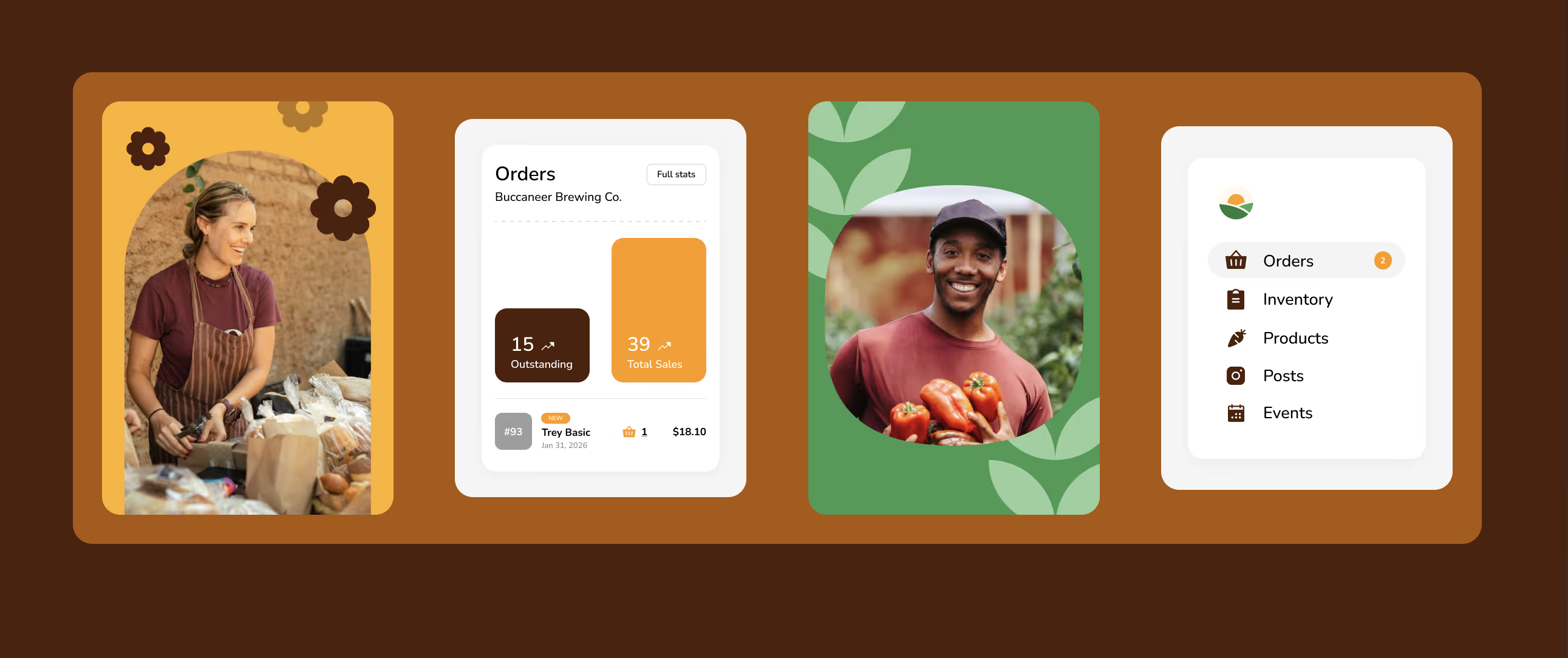
Set up a simple online store where customers can browse your products, place orders, and pay in advance. Homegrown is $10/month with no percentage fees beyond standard payment processing and is built specifically for food vendors — pickup orders, available quantities, and payment collection all in one page. Compare that to Square Online, which charges transaction fees on top of processing, or Shopify at $39/month before you add any apps. Etsy charges 6.5% per transaction and buries your listing among competitors. Homegrown lets you offer local delivery alongside pickup. Customers choose at checkout, you set your delivery area, fee, minimum order, and delivery days, and on delivery day you run your own route with your stops mapped in the most efficient order so you drive less. You make the deliveries. Homegrown handles everything around them: browsing, ordering, payment, and the route.
Pros: Professional, organized, payment handled automatically, customers can order 24/7, flat $10/month with no percentage fees. Cons: Monthly cost (though most vendors make it back on their first few orders).
If you want a more detailed comparison of online ordering tools, see our guide on how to accept online orders as a farmers market vendor.
Once you pick your ordering method, set up a clear process so customers know exactly what to expect.
Set one consistent pickup day per week — Saturday from 9 AM to noon is the most common for farmers market vendors — and stick with it. Consistency builds habits.
Good examples:
Start with one pickup day per week. You can add more once you see the demand.
Set your order cutoff 24 to 48 hours before your pickup day so you have enough production time. A good rule of thumb: set your order deadline 24 to 48 hours before your pickup time.
For example, if your pickup is Saturday morning, close orders by Thursday at 8 PM. This gives you Friday to bake, package, and label everything without rushing.
After a customer places an order, send a quick confirmation. This can be a text, an email, or an automatic confirmation from your online store.
Include:
The day before or the morning of pickup, send a reminder. A simple text works: "Your order is ready for pickup today between 4 and 6 PM at 123 Main Street. See you there."
This one step dramatically reduces no-shows.
Label every order clearly with the customer's name and a list of what is inside. Use a marker and a sticker, a printed label, or even a sticky note — whatever is fast and readable.
Group all orders together in one spot so pickup is quick. If you are doing multiple pickups, organize them alphabetically or by pickup time.
Whether you use a Google Form, a text thread, or an online store, make sure you collect this information:
Keep it short. The fewer fields, the more orders you will get. You can always ask follow-up questions over text.
Your pickup location needs to be convenient for customers and easy for you to manage.
Your home. If your cottage food law allows sales from your home (most do), this is the simplest option. Customers pull up, you hand them their order, and they leave. Set up a small table on your porch or driveway with orders organized by name.
The farmers market. If you already sell at a farmers market, offer pre-order pickup at your booth. Customers who ordered ahead skip the line and grab their bag. This also works if you sell out of certain products at the market — customers who pre-ordered are guaranteed to get what they want. For more on how pre-orders work with markets, see our guide on how to take pre-orders for your food business.
A parking lot or community space. Some vendors use a church parking lot, a community center, or a shared meeting point. This works well if you are serving customers from multiple neighborhoods. Just make sure you have permission to use the space.
A local business. Partner with a coffee shop, brewery, or farm store that is willing to let you do pickups from their parking lot. This introduces you to their customers and gives your buyers a convenient, familiar location.
According to Restolabs, over 90 percent of customers find curbside pickup more convenient when the process is fast and organized. Good packaging makes that possible.
Label every order. Write the customer's name on the outside of every bag or box. If there are multiple bags per order, number them ("Bag 1 of 2").
Use bags with handles. Paper bags with handles or reusable tote bags make it easy for customers to grab and go. Avoid flimsy bags that tear or tip over.
Separate hot and cold. If you sell both baked goods and refrigerated products (like jams or sauces), pack them in separate bags. Warm bread sitting next to cold jam for 20 minutes is not ideal.
Include a packing slip. A simple printed or handwritten list of what is in the order helps customers confirm they got everything. It also reduces "I think I am missing something" messages later.
Seal containers. Use tamper-evident stickers or tape on containers so customers know their order has not been opened. This builds trust, especially for new customers.
Clear communication is the difference between a smooth pickup and a frustrating one. Here is what to send and when.
When they place the order: Send a confirmation with their order details, total cost, pickup date and time, and location.
24 hours before pickup: Send a reminder. Include the pickup address, time window, and any parking instructions.
At pickup time: If you are doing curbside, text them when their order is ready and where to pull up.
After pickup: A quick "thanks for your order" text goes a long way. You can also use this to ask if they want to order again next week.
Keep all your messages short and clear. Customers do not need a paragraph — they need the time, the place, and the instructions.
These are the mistakes that turn a great pickup experience into a frustrating one. All of them are easy to avoid.
No order deadline. If you accept orders right up until pickup time, you will be scrambling to fulfill last-minute requests. Set a firm cutoff and stick to it.
Vague pickup instructions. "Come to my house sometime Saturday" is not clear enough. Give a specific address, a time window (e.g., "between 10 AM and noon"), and parking instructions.
No confirmation message. Customers who do not get a confirmation wonder if their order went through. Always send a quick confirmation — even a one-line text that says "Got your order, see you Saturday."
Forgetting to label orders. When five customers show up in 20 minutes and none of the bags have names on them, you are going to have a problem. Label everything.
Making it hard to pay. If you only accept cash, you will lose customers who do not carry it. Offer at least two payment options — Venmo and cash, or online payment through your store and cash at pickup.
Inconsistent schedule. If your pickup time changes every week, customers will stop ordering because they cannot plan around it. Pick a consistent day and time and stick with it.
Not following up. After a successful pickup, send a quick thank-you text and let them know when your next order window opens. The best time to get the next order is right after a good experience.
If you are thinking about expanding beyond pickup to a full online sales channel, our guide on how to go from farmers market to online sales walks through the full process.
Ready to start selling locally? The easiest way to take local orders and get paid is an online storefront — see the best platform to sell food from home, or set up a Homegrown storefront in about 15 minutes ($10/mo, 0% commission).
How many pickup orders should I start with?
Start with a number you can comfortably handle — 5 to 10 per week is a good starting point. As you get your process dialed in, you can increase your capacity. It is better to take fewer orders and deliver a great experience than to take too many and feel overwhelmed.
Should I charge for pickup orders or require a minimum?
You do not need to charge extra for pickup — customers are doing the "delivery" themselves. Some vendors set a minimum order amount ($15 to $25) to make each pickup worth the effort of packaging and labeling. This is optional, but it helps if you have a lot of small orders.
What if a customer does not show up for pickup?
Set a clear pickup window and communicate it in your confirmation message. If someone does not show up, send a quick text. Most no-shows are just people who forgot. Have a policy for unclaimed orders — either the customer picks up the next day or loses their payment for perishable products.
Can I offer pickup if I sell under a cottage food law?
In most states, yes. Cottage food laws generally allow direct-to-consumer sales, which includes pickup orders from your home. Some states have restrictions on where you can sell, so check your state's specific cottage food rules to confirm that home pickup is allowed.
How do I handle payment for pickup orders?
The simplest approach is to collect payment when the order is placed — either through your online store, Venmo, Zelle, or another digital payment method. This eliminates the need to handle cash at pickup and reduces no-shows, since customers who have already paid are far more likely to show up.



