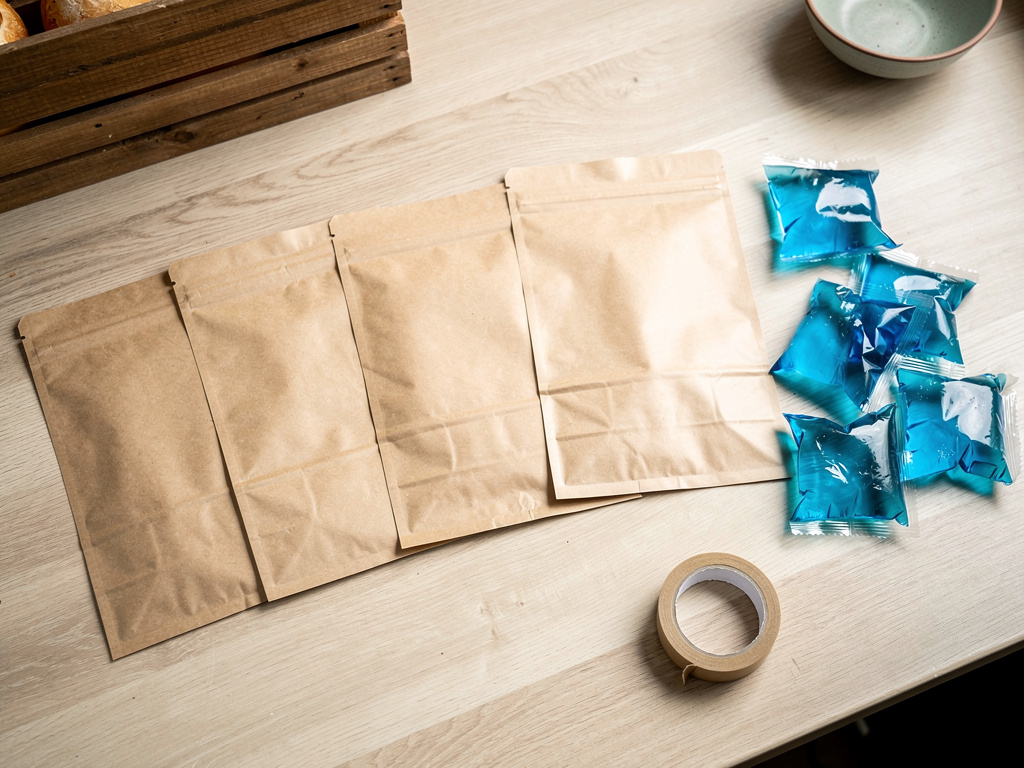


The difference between a smooth delivery day and a stressful one isn't luck, it's a routine you run the same way every time. When you're the baker, the packer, and the driver, the details that fall through the cracks (a missed address, a cooler that sat too long, an order packed for the wrong customer) are the ones that cost you a refund or a repeat customer. A standard operating procedure fixes that by turning delivery day into a checklist instead of a scramble. This guide gives you a step-by-step delivery day SOP template you can copy, adapt, and run every single delivery day.
The short version: A delivery day SOP is a repeatable checklist that takes you from the night before through the last drop-off. The night before, you batch orders by route, confirm addresses and windows, and pre-chill your coolers. In the morning you pack each order labeled by customer, check it against your order list, and seal it. You load cold items last, drive a pre-planned route, send an "out for delivery" text, drop contactless with a photo, and log each delivery as you go. At the end you reconcile every order against your master list so nothing gets missed. The food-safety rule that anchors all of it: keep cold food at or below 40°F and don't let perishable food sit in the danger zone longer than two hours.
This guide walks through the food-safety backbone, then each stage of the day, and ends with the copy-ready checklist.
The core rule is the danger zone: perishable food is unsafe between 40°F and 140°F, and it can't sit in that range for more than two hours (one hour if it's above 90°F outside). Everything in your delivery routine exists to keep food out of that window from the moment it leaves temperature control until it reaches the customer.
The rules that shape your SOP:
The rule to build everything around: cold below 40°F, hot above 140°F, and nothing perishable in between for more than two hours. If a delivery would blow that window, that order gets pulled and rescheduled, not delivered unsafe. For the broader rules that apply to your whole operation, see the guide on food safety rules for a home food business.
You set up the night before by turning a pile of orders into a plan: grouped by route, confirmed with customers, and staged so the morning is just execution. The prep you do tonight is what keeps tomorrow from becoming a scramble.
Your night-before checklist:
The payoff is concrete: an hour of planning tonight saves you two hours of confusion tomorrow, and it's the difference between a route that flows and one that backtracks. If you deliver on a regular schedule, the guide on setting delivery zones and a schedule helps you lock in the geography so this step gets faster every week.
You pack in the morning by building one order at a time, labeling each with the customer's name, and checking every item against your written list before you seal it. The single most common delivery mistake, sending the wrong order to the wrong customer, is prevented entirely at this step.
The packing routine:
The takeaway: label by name, check against the list, seal, and sort by temperature. Four steps, done the same way every order, and the wrong-order problem disappears.
Load the car so cold items go in last and come out first, heavy items sit low and stable, and nothing can slide or tip on a turn. Loading is where the two-hour clock and the physics of a moving car both come into play.
Loading rules:
The rule to remember: cold loads last, heavy rides low, and the clock is already running, so once you're loaded, you drive.
You plan an efficient route by grouping stops geographically and running them in a single loop, and free tools handle this fine at the volumes a small vendor delivers. You don't need fleet software for ten stops.
Free and cheap options that work:
The core principle matters more than the tool: batch by geography and drive a fixed loop. The one crisp rule: plan the route before you leave and don't reorder it on the fly, because improvising mid-route is how the two-hour clock gets blown.
On the route you follow the planned loop, communicate at each stop, and log every delivery in real time. The sequence is the same at every door, which is what makes it fast and reliable.
At each stop:
The habit that holds it together: log each delivery the moment it happens. A real-time log is what makes a missed order visible today instead of when the customer complains tomorrow.
When something goes wrong, you have a pre-decided response so you're not improvising with perishable food on the clock. The unhappy paths are predictable, so plan for them.
| Situation | What to do |
|---|---|
| Customer not home | Text or call once, then leave it per their pre-agreed contactless instructions if food is still in the safe window. Never let perishable food sit past the two-hour mark waiting for a reply. |
| Wrong or bad address | Confirm addresses the night before to prevent this. If it happens mid-route, call the customer immediately instead of driving in circles and burning safe-window time. |
| Damaged order | Photo it before you decide, then remake or refund per your policy. Don't leave damaged perishable food without flagging it. |
| Running late | Text an updated ETA the moment you know, and check whether any cold item is nearing the two-hour cutoff. If it is, pull that order and reschedule rather than deliver it unsafe. |
| Missed order | Your end-of-route reconciliation catches it same-day. Contact the customer, apologize, and redeliver or refund. |
The principle underneath all of these: food safety wins over convenience every time. If keeping an order safe means rescheduling it, you reschedule it.
You close out by reconciling every order against your master list, handling any flagged issues same-day, and resetting your gear for next time. The close-out is what turns a one-time run into a repeatable system.
Your end-of-day checklist:
The takeaway: reconcile, resolve, reset. Ten minutes of close-out is what makes next week's delivery day start from a clean, known state.
Here's the whole SOP as one checklist you can print and run every delivery day:
Each line is a checkbox. Run the same seven steps every time and delivery day stops being something you brace for.
Every step of this SOP depends on one thing: a clean, organized list of exactly what each customer ordered. Homegrown is a $10-per-month online storefront, with no percentage fees beyond standard payment processing, where customers order and pay ahead, so your delivery day starts from an itemized order list instead of a pile of texts and DMs. You batch, pack, and reconcile against that list, and it's already accurate because the customer built it.
Compare that to running orders through Instagram DMs, where quantities live across twenty conversations and packing mistakes come from copying them by hand, or a cash-and-carry setup with no record to reconcile against at all. A card reader like Square takes the payment but never gives you the organized order list your SOP runs on. Homegrown also lets customers pick delivery windows and gives them automatic order confirmations, which covers two of the touchpoints this routine depends on.
To be clear about what Homegrown does not do: it is not a route planner, it won't do the driving, and it doesn't supply your coolers. Your SOP, your car, and your route tool still do that work. What it gives you is the accurate, itemized order list that every other step in this guide assumes you have. If your delivery day currently starts from a messy pile of messages, set up your Homegrown storefront so tomorrow's route runs off a clean list. For the bigger picture on running deliveries solo, the cottage food delivery playbook ties the whole operation together.
Perishable food should not be in the danger zone (40°F to 140°F) for more than two hours total, and that drops to one hour when it's above 90°F outside. A closed car in the sun heats up fast, so keep cold food in a cooler with gel packs, run your route efficiently, and remember the clock started when the food left refrigeration, not when you left home.
Any well-insulated cooler with frozen gel packs or ice works fine for local delivery, as long as it holds cold food at or below 40°F for your whole route. Pack it fairly full, since a full cooler holds temperature longer than a half-empty one, and use watertight packaging so food isn't sitting in melted ice water.
Yes, contactless drop-off is standard and works well as long as you follow the customer's instructions and the food stays in the safe temperature window. Ask ahead of time where to leave orders, take a timestamped photo as proof of delivery, and send a "delivered" text so the customer retrieves perishable food quickly.
Text or call once, and if the food is still within the safe window, leave it per their pre-agreed contactless instructions. If it isn't safe to leave and they're unreachable, do not let it sit past two hours. Hold it at safe temperature and arrange a redelivery or pickup rather than leaving perishable food out.
Group your stops by neighborhood and run them as a single loop. Google Maps handles a handful of stops with manual reordering, and a free tool like RouteXL optimizes up to 20 stops at no cost, which covers most home-vendor delivery days. Paid route software only pays off once you're regularly over about 20 stops.
Log every delivery the moment it happens, then reconcile that log against your master order list at the end of the run. Real-time logging plus an end-of-day reconciliation is what surfaces a missed order the same day, while you can still fix it, instead of days later when the customer reaches out.
A delivery day SOP turns the most stressful part of a food business into a routine you can run half-asleep, and it starts with an accurate order list. Build the checklist once, run it every time, and start your Homegrown storefront so the list your whole routine depends on builds itself.