

The short version: No ordering platform fully solves this, because your address leaks from at least six places and only one of them is the storefront. The platform choice matters for exactly one thing: whether the pickup address is shown publicly or only after someone has paid. Everything else, your business registration, your cottage food label, your delivery radius, your Google listing, is outside any platform's control. And there is a genuine conflict most guides skip: many state cottage food laws require your name and address on the label, so "keep it private" often has a legal ceiling.
Six places, in rough order of how many strangers see them.
A platform only addresses the first. That is worth knowing before you choose one hoping it will solve the problem, because five of the six leaks will still be there afterwards.
Three things, and only the first is common.
Show the address after payment, not before. The pickup location appears in the confirmation and in the customer's order details, not on the public product page. This is the meaningful capability, and it means a stranger browsing cannot find where you live.
Separate the pickup point from your account address. Your billing address and your pickup address should be different fields. If a platform assumes they are the same, you are one settings change away from publishing your home.
Support multiple pickup locations, so you can use a market stall or a car park rather than your porch for anyone you do not know.
When you evaluate anything, test it directly: open your own storefront in a private browser window, logged out, and see what a stranger sees. That takes thirty seconds and it is the only test that matters. Do it again after any settings change.
Ranked by how much privacy they buy, rather than by cost.
Sell only at markets and pickup points you do not live at. Complete separation. Your home never appears in any order flow, and this is the only approach that fully works. Our guide to setting a farm stand or pickup location online covers configuring it properly.
Deliver rather than offer pickup. You go to them. Your address appears nowhere in the customer-facing flow, though a delivery radius drawn on a map still implies a centre.
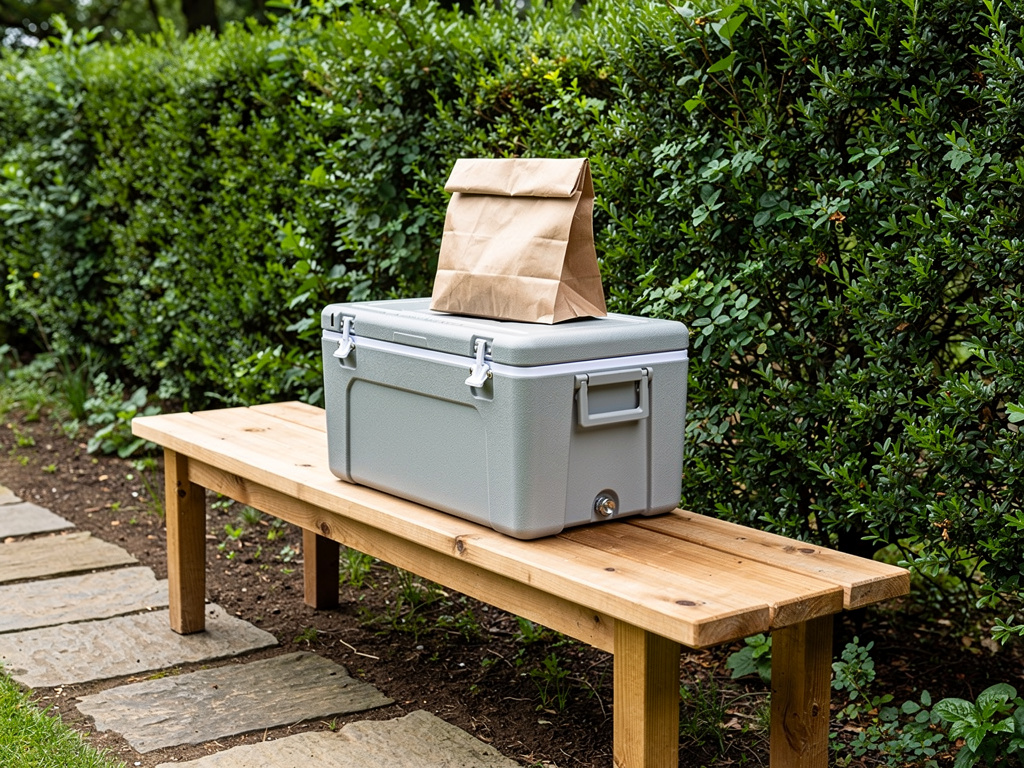
Use a nearby meeting point for pickup: a car park, a community centre, a coffee shop with permission. Costs you a short drive and removes the problem entirely.
Use porch pickup only for people you know, with the address released after payment. This is where most home bakers land, and it is a reasonable compromise. Our look at platforms for porch pickup covers what to check.
Publish the address openly. Some vendors genuinely prefer this, particularly rural ones running a farm stand, where being findable is the point. That is a legitimate choice, and it should be a choice rather than a default you did not notice.
This is the conflict nobody mentions, and it is worth understanding before you build a privacy plan around software settings.
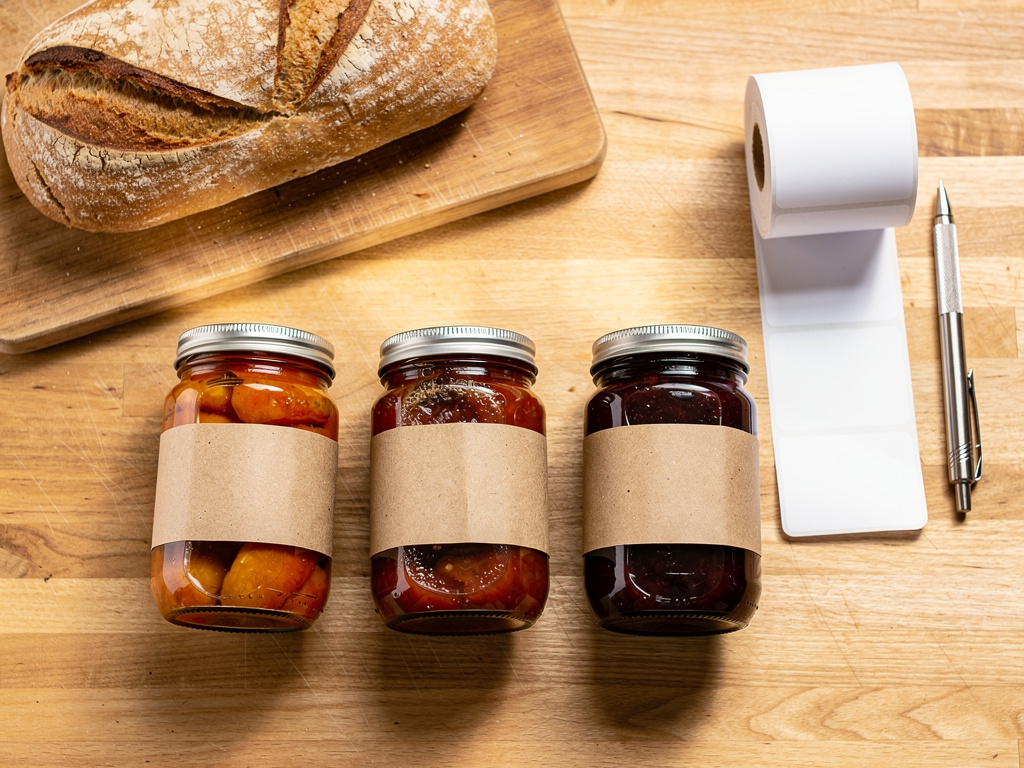
Many state cottage food laws require labels to carry the name and address of the person who made the product. The exact wording varies by state and some allow a business address or a permit number instead, but the general pattern is that the producer must be identifiable on the package.
Which means a customer holding your jar may have your address regardless of what your storefront shows. Our guide to cottage food labeling requirements covers what generally has to appear, and your state agency is the binding authority on whether an alternative address is acceptable.
The practical options, all of which need checking against your own state's rules:
Do not assume, and do not take a platform's word for it. This is a state agency question, and getting the answer in writing is worth the email.
The second-largest leak, and it happens before you have sold anything.
Business registration records are public in most states. If you registered your LLC or sole proprietorship at your home address, that record is searchable, and it is often the easiest way for anyone to find you.
Options worth asking about, all of which vary by state:
The SBA's guidance on picking your business location covers the considerations, and your state's business filing office will tell you what it will and will not accept.
The important sequencing point: decide this before you register, because changing a registered address afterwards does not necessarily remove the old one from the public record.
Sometimes, and it is worth checking rather than assuming.
If a platform displays your delivery area as a circle on a map, the centre of that circle is roughly your address. Anyone motivated can work it out to within a street or two.
What to check:
A platform that validates a delivery address without showing a map is doing the same job with none of the exposure. That is a genuine differentiator and it rarely appears on any feature list, so test it rather than asking.
Worth planning for, because it happens and the software cannot stop it.
Once someone has collected from you once, they know where you live. Most people are entirely fine about that. A small number will start turning up outside your pickup window, knocking on a Tuesday evening, or bringing a friend who wants to buy something.
Practical answers that work without a confrontation:
None of that requires a difficult conversation, and having a plan before the first Tuesday knock is considerably easier than inventing one at the door.
If your setup is going to involve more than one collection point, it is worth checking that the platform treats each as a real location with its own address and schedule rather than as a note on an order. Setting up two locations in a trial and looking at both logged out takes ten minutes and tells you whether the separation is real.
A little, sometimes, and the honest answer is that it depends on what you sell.
Publishing an address makes you easier to find and easier to trust. A farm stand people can drive to benefits enormously from being on a map, and hiding it would be actively harmful.
Keeping it private costs you some walk-up trade and some convenience. Customers occasionally find "address supplied after ordering" mildly awkward, though almost nobody abandons an order over it, and a clear line explaining why removes most of the friction.
The two situations where privacy is not really optional:
In both cases, use a meeting point or deliver. Software settings are a partial fix and physical separation is a complete one.
Do these in order, and do them today rather than after the first uncomfortable moment.
Most vendors have never done step one, and it takes half a minute. Step three surprises people most often, because registration records are public and nobody mentions that when you file.
Step five is worth a moment of thought rather than a reflex. A Google Business Profile can be set up as a service-area business, which lists the areas you serve without pinning your address to a map. For a home-based vendor that is usually the right configuration, and for a farm stand people are meant to drive to it is the wrong one. Same tool, opposite settings, and the default is not chosen for you.
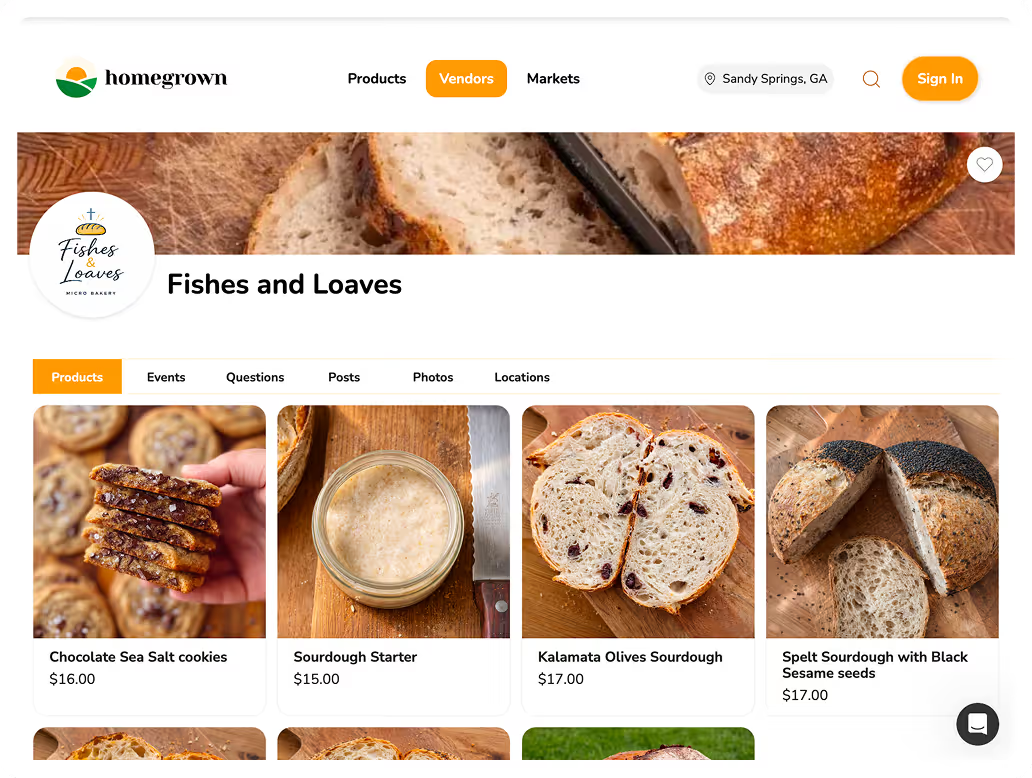
If you want a storefront where the pickup address is tied to a location you choose rather than your account address, Homegrown is $10 a month billed annually with 0% commission and 2.9% plus $0.30 processing published up front, and it handles pickup at each place you sell with its own schedule and cutoff, local delivery with a radius and a route, and sales tax calculated, filed, and remitted in all 50 states. The honest bound, stated plainly: it cannot make you anonymous. No platform can. It does not change your label requirements, your business registration, or your Google listing, and if you set your pickup point to your home address then that is what customers will receive. What it does is let each place you sell be its own location with its own schedule, which is what makes a market stall or a meeting point practical instead of a workaround. You can set one up and look at it logged out before you take a single order.
Every platform below shows the same four commercial facts, because a table that lists one platform's transaction fee and not another's is not a comparison. "Not published" means exactly that: the company does not state it publicly.
| Platform | Where the pickup address appears | Subscription (annual) | Free trial | Platform fee | Card processing |
|---|---|---|---|---|---|
| Homegrown | Pickup point is a separate field from your account | $10/mo billed annually | 7-day free trial | $0 platform fee (0% commission) | 2.9% + $0.30 processing |
| Square Online | Location address is public on the store page | Free tier; paid from $29/mo per location | 30-day trial on paid plans | $0 platform fee | 3.3% + $0.30 free tier, 2.9% + $0.30 paid |
| Etsy | Requires a business address on the shop | No subscription | n/a | $0.20 listing + 6.5% commission | 3.0% + $0.25 processing |
| Bake.Shop | Pickup locations configured separately | $149/yr (= $12.42/mo) | 14-day free trial | $0 platform fee (0% commission) | 2.9% + $0.30 processing |
| Hotplate | Address shown after checkout on drops | $0 | n/a | 5% + $0.55 platform fee, added to the customer | 2.9% + $0.30 processing (vendor) |
| Big Cartel | You control what the page shows | Platinum $12/mo ($144/yr) | 7-day free trial | $0 platform fee | Your own provider, so 2.9% + $0.30 typical |
Partly. A storefront can hold the pickup address until after payment, but your cottage food label, your business registration, and your Google listing are separate leaks. Full separation means using a pickup point you do not live at.
Many states require the producer's name and address on the label. Some accept a business address or a permit number instead. The rules vary, so ask your state agency directly rather than assuming either way.
In most states, yes. If you registered at your home address, that record is searchable. A registered agent service is the usual way to supply a different address, and it is easier to arrange before you file than after.
It can, if the platform draws a circle on a customer-facing map, since a circle has a centre. Check whether the radius is displayed or only used internally to validate addresses.
A location you do not live at: a market stall, a car park, a community centre, or a shop with permission. That is the only arrangement that removes the problem rather than managing it.
Open your own storefront in a private browser window while logged out and read every page. Then place a test order and note exactly when the address appears. Repeat after any settings change.
It can help for mail and sometimes for labelling, depending on your state's rules. It does not help with pickup, since customers still need somewhere physical to collect from.
Your address leaks from six places and a storefront controls one of them. Choosing a platform for privacy alone is solving a sixth of the problem while feeling like you solved all of it.
The one capability worth checking is whether the pickup address appears only after payment, and whether the pickup location is a separate field from your account address. Test that logged out, in a private window, before you take an order.
Then deal with the other five, and start with the two that catch people out: your cottage food label may legally require your address, and your business registration is probably public already. Both are state-level questions with real answers, and both are cheaper to sort out before you have printed labels or filed paperwork than after.