

Most farm stands start cash-only because it is simple — a cash box, a price list, and an honor system. No equipment, no processing fees, no setup. But cash-only has a ceiling. Customers who do not carry cash drive past. Pre-orders are impossible without a payment system. And the honor system leaks revenue on every transaction where someone underpays or takes without paying.
Adding online payments does not mean abandoning cash. It means adding a payment channel that captures the customers and sales your cash box misses. The transition can happen in a single afternoon for under $50 in setup costs, and most vendors see a 20 to 40 percent increase in revenue within the first month.
The short version: The fastest way to add payments is to set up an online ordering page where customers pay before they arrive. This eliminates the need for a card reader at the stand, works for both attended and unattended stands, and captures pre-orders that cash-only stands cannot. An online ordering page with built-in payment processing lets customers order and pay online while you fulfill at the stand. For walk-up card payments at attended stands, Square offers a free card reader and charges 2.6 percent plus $0.10 per transaction. Most farm stand vendors use both: online pre-orders plus a card reader for walk-up customers.
Cash-only seems free — no processing fees, no equipment costs — but the hidden costs are real:
Lost customers. In 2026, roughly 40 percent of Americans rarely or never carry cash. Every one of those people who drives past your stand is a lost sale. At a busy road with 500 cars per day, that is 200 potential customers who cannot buy from you even if they want to.
Honor system leakage. Unattended cash-only stands lose 10 to 30 percent of revenue to underpayment and non-payment. An online payment system where customers pay before they take the product eliminates this entirely.
No pre-orders. Cash-only means walk-up only. You cannot take orders in advance, which means you have no guaranteed sales before you open. On slow days, you bring home unsold inventory. With pre-orders, you bring exactly what people already paid for.
No customer data. A cash box does not tell you who your customers are, what they buy, or how to reach them. An online payment system captures contact information and purchase history automatically.
No growth path. You cannot scale a cash box. You cannot add subscriptions, recurring orders, delivery, or multi-location selling without a payment system.
For the full comparison of payment options available to farm stands, see our guide to farm stand payment options.
The single most impactful change a farm stand vendor can make is adding online ordering with prepayment. Customers browse your products, select what they want, pay online, and pick up at the stand. You fulfill the order knowing exactly what was sold and that payment is already collected.
How it works:
This model works especially well for unattended stands because payment is handled before the customer arrives. There is nothing to steal, no change to make, and no card reader to secure.
Square works for walk-up card payments but does not handle pre-orders with a cutoff time, a product listing customers can browse, or order pickup coordination. Shopify and WooCommerce handle online ordering but cost $29 to $39/month and require building a full website when all you need is a product list with photos and a payment button.
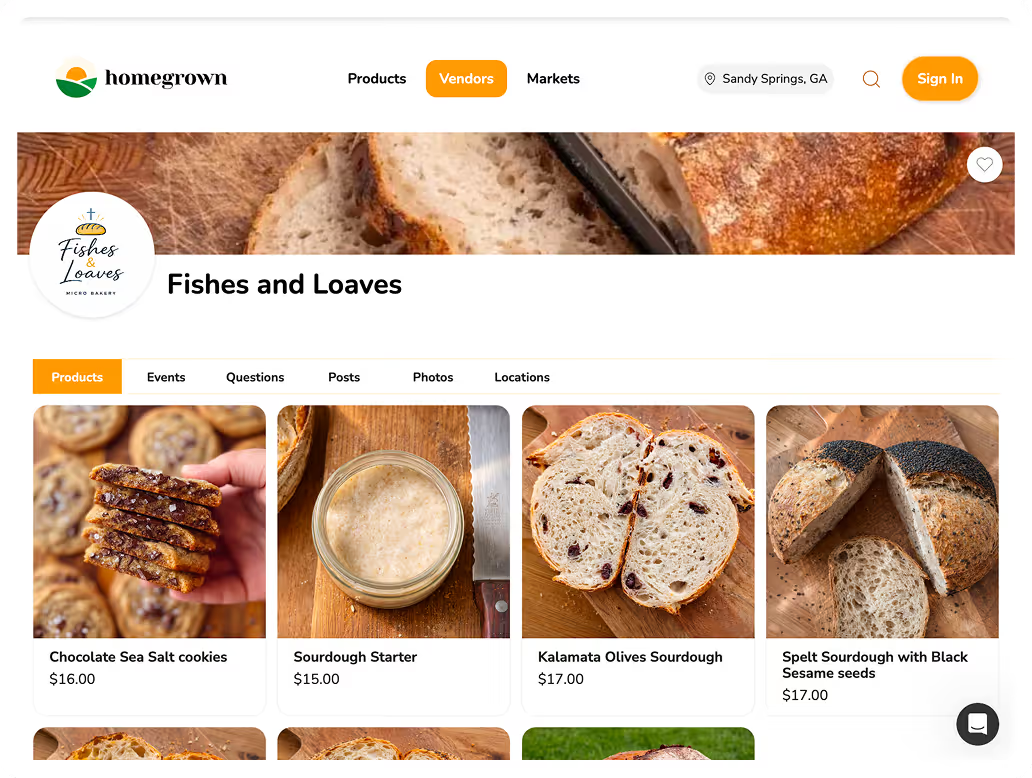
Homegrown costs $10/month with no percentage fees beyond standard payment processing (2.9 percent plus $0.30 per transaction). It gives you a product page with photos and prices, accepts online payment, and sends you an order list — ready in under an hour. Homegrown does not replace a card reader for walk-up sales and does not process cash — this guide covers those options. What it does is add the pre-order channel that captures sales your cash box and card reader miss.
For the detailed setup process for pre-orders at a farm stand, see our guide to farm stand pre-order systems.
If you are physically at your stand and want to accept card payments from walk-up customers, a mobile card reader is the simplest hardware option.
Popular card reader options:
| Provider | Reader Cost | Per Transaction | Monthly Fee | Notes |
|---|---|---|---|---|
| Square | Free (basic reader) | 2.6% + $0.10 | $0 | Most popular for small vendors |
| PayPal Zettle | Free (basic reader) | 2.29% + $0.09 | $0 | Good if you already use PayPal |
| Stripe Terminal | $59 | 2.7% + $0.05 | $0 | Best for tech-savvy vendors |
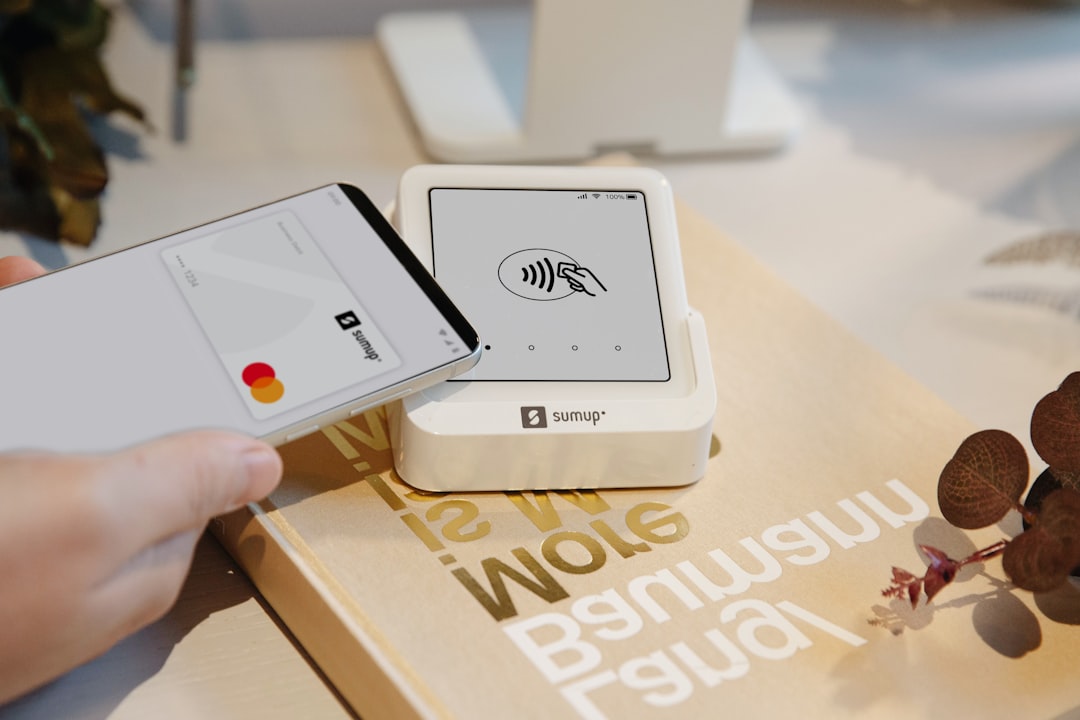
| SumUp | Free (basic reader) | 2.75% | $0 | Simple flat rate |
Most farm stand vendors choose Square because the reader is free, there are no monthly fees, and the app works on any smartphone. Tap the card on the reader, the sale processes, done.
Setup time: 15 to 30 minutes. Download the app, create an account, connect the reader. You can start accepting cards the same day.
Limitations at unattended stands: A card reader requires you to be present or requires customers to self-serve with a tablet, which adds complexity and theft risk. For unattended stands, online pre-order is a better fit.
A QR code taped to your stand lets customers scan and pay with their phone — no cash, no card reader, no hardware. This is a middle ground between cash-only and a full online store.
How it works:
Pros: Free to set up, no hardware, works at unattended stands.
Cons: Relies on customer honesty for amount (unless linked to specific products), requires the customer to have a phone and the right app, and does not create order data automatically.
The most effective QR code setup links directly to a product ordering page (not just a generic payment amount). When the QR code goes to a store page where customers select specific items and pay the correct amount, you get accurate sales data and eliminate the honor-system guessing.
Adding online payments does not mean removing cash. Many farm stand customers prefer cash, and removing the option would lose those sales. The best approach is both.
At attended stands:
At unattended stands:
The transition is not "cash to digital" — it is "cash plus digital." You are adding channels, not replacing them.
The most common objection to online payments is processing fees. Standard card processing fees are 2.6 to 2.9 percent plus $0.10 to $0.30 per transaction. On a $20 order, that is roughly $0.85 in fees.
But here is the math that matters:
The processing fees in Scenario B are roughly $40 per week. The additional revenue is nearly $1,000 per week. The fees are not even close to the cost of the sales you lose by staying cash-only.
Most vendors see the revenue increase within the first 2 weeks. The full impact — including repeat pre-order customers — usually shows up within 4 to 6 weeks.
No. You are adding an option, not removing one. Customers who prefer cash can still pay cash. Customers who do not carry cash now have a way to buy from you. You gain customers without losing any.
No. Most card readers (Square, PayPal Zettle) process transactions over your phone's cellular data connection. Wi-Fi is not required. If you are in an area with weak cell signal, Square can also process offline transactions that sync when you reconnect.
Venmo and Cash App work as payment options but do not create order data. A customer who sends you $12 on Venmo does not tell you which $12 worth of products they took. For attended stands where you can see what the customer is buying, Venmo and Cash App are fine. For unattended stands, an online ordering system that ties payment to specific products is more useful.
Most online payment platforms (including Homegrown) have built-in refund functionality. If a customer's order cannot be fulfilled (you sold out of an item, product quality issue), you can issue a full or partial refund through the platform. Set a clear refund policy and communicate it on your store page.
Yes. At $200 per week in sales, processing fees are roughly $5 to $6. The additional customers who can now pay digitally — plus the pre-orders you could not take before — will likely increase your weekly revenue by $40 to $80 or more. The math works at any scale.
Sales tax rules for online orders are the same as in-person sales — they depend on your state and what you sell. Most states exempt raw produce but tax processed foods. Your online platform should allow you to set tax rates per product. Check with your state's tax authority for your specific obligations.
Some vendors worry that customers will be upset about paying processing fees. The standard approach: build the processing fee into your prices rather than adding it as a separate line item. If your eggs are $5 at the stand in cash, price them at $5 online — the $0.15 processing fee comes out of your margin, not the customer's pocket. The additional sales volume from accepting digital payments more than compensates for the fee.
Yes. If you sell at both a farmers market and a farm stand, your online ordering system works for both locations. List your pickup location for each order — "Farm stand pickup: Saturday 8 AM-2 PM at [address]" or "Market pickup: Sunday 9 AM-1 PM at [market name]." This gives customers flexibility and gives you guaranteed pre-orders at both locations.
For the broader comparison of selling at a farm stand vs. a farmers market, see our guide to farm stand vs farmers market.
If you only do one thing, set up online pre-orders. This single change captures more revenue than any other payment improvement because it creates guaranteed sales before you open, eliminates honor system leakage at unattended stands, increases average order size, and builds a customer list you can communicate with. The card reader is a nice addition for walk-up customers at attended stands, but pre-orders are where the real revenue growth happens. The SBA's financial management guide covers payment processing and cash flow management for small businesses, and the IRS recordkeeping guide is worth reviewing since digital payment records simplify tax reporting significantly compared to cash-only bookkeeping.